무료로 시작하기Start free
결제 없이 쓸 수 있는 다섯 가지를 화면으로 보여 드립니다. 위에서부터 하나씩 따라 해 보세요. 넷은 로그인 없이, Liver 노트는 이메일로 만드는 무료 계정으로 열립니다.Five things you can use without paying, shown screen by screen. Try them from the top. Four need no sign-in; the Liver note opens with a free account made by email.
무료 진단 24문항Free diagnostic · 24 questions
로그인 없이No sign-inPan-Canadian Acupuncturists 시험의 모든 출제 영역을 24문항으로 확인합니다. 끝나면 영역별 결과와 24문항 전체 해설을 바로 볼 수 있습니다.Check every area of the exam with 24 questions. When you finish you see your results by area and all 24 explanations.
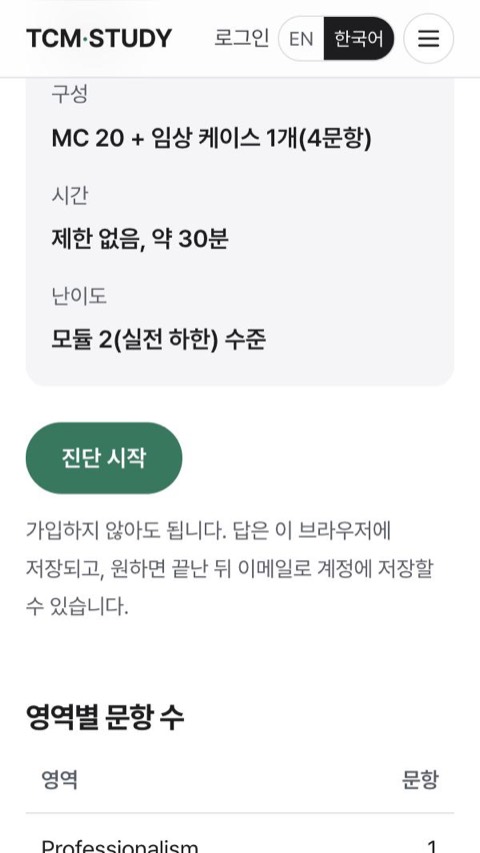
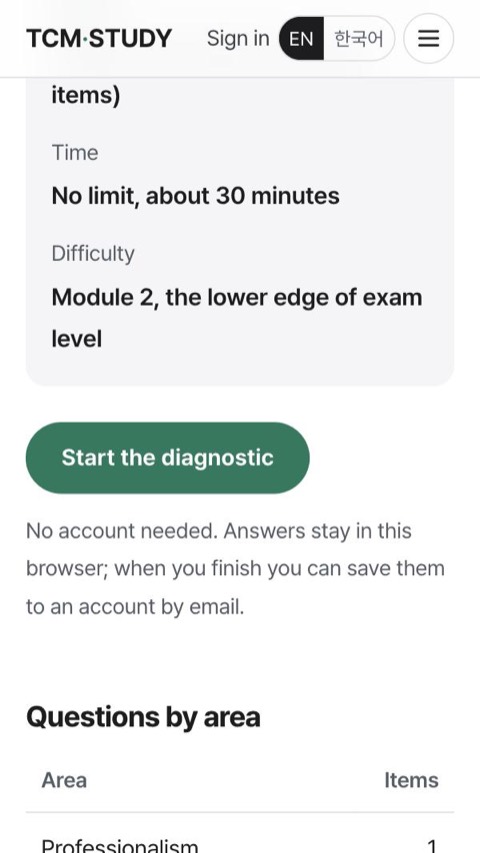
「진단 시작」을 누릅니다. 가입은 필요 없습니다.Tap “Start the diagnostic”. No account needed.
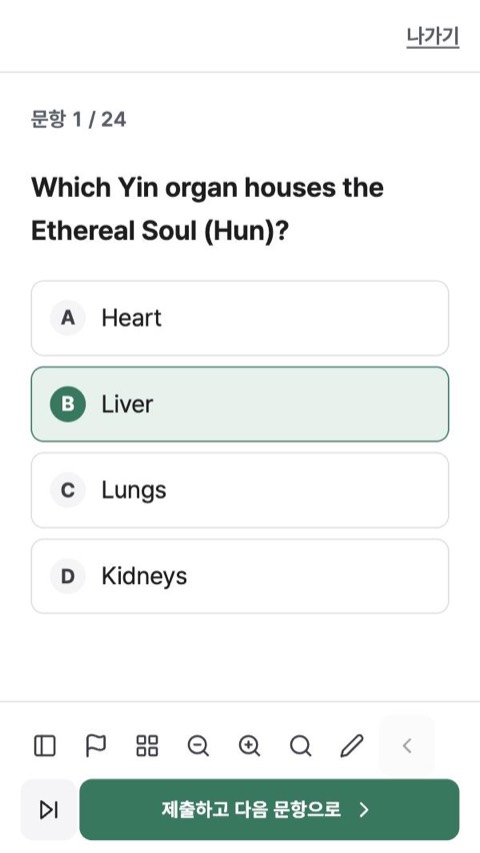
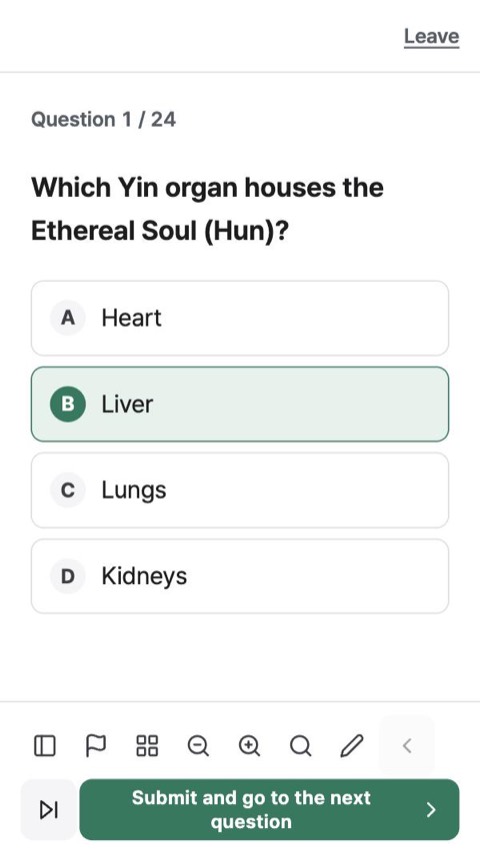
답을 고르고 「제출하고 다음 문항으로」를 누릅니다. 약 30분 걸립니다.Pick an answer and tap “Submit and go to the next question”. About 30 minutes.
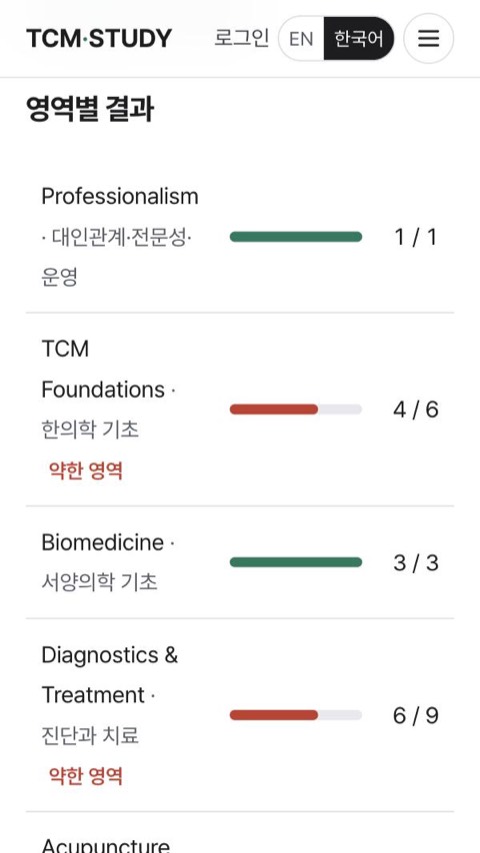
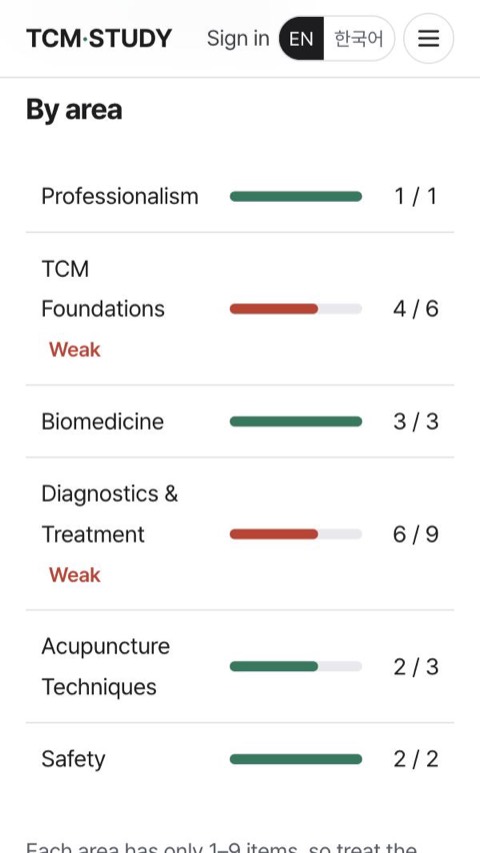
영역별 결과에서 약한 영역을 확인합니다. 24문항 해설도 이 화면에 있습니다.See your weak areas in the results. All 24 explanations are on the same screen.
시험 안내Exam guide
로그인 없이No sign-in형식, 채점, 출제 비중, 시험 당일 규칙을 응시자 핸드북 기준으로 정리했습니다.Format, scoring, blueprint and exam-day rules from the Candidate Handbook.
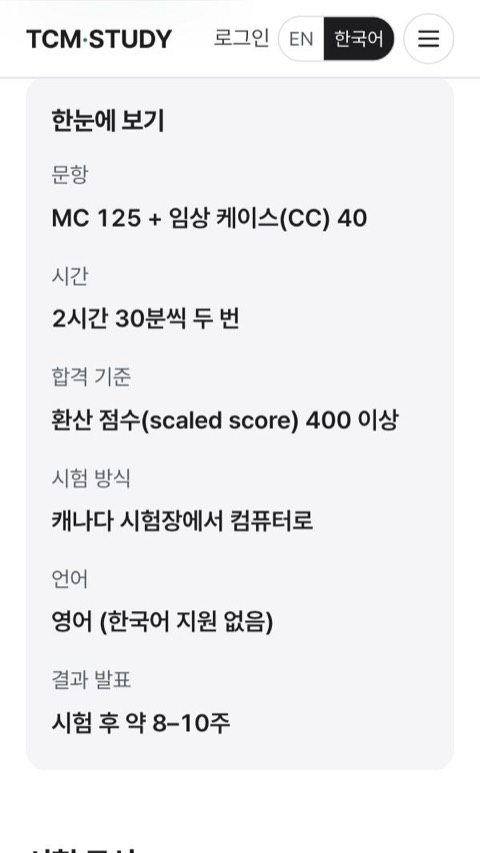
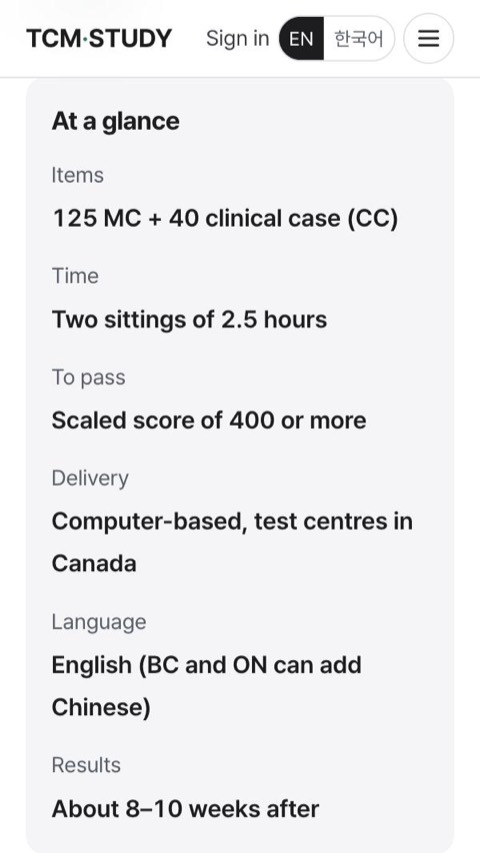
「한눈에 보기」에서 문항 수, 시간, 합격 기준을 봅니다.“At a glance” gives the items, time and pass mark.
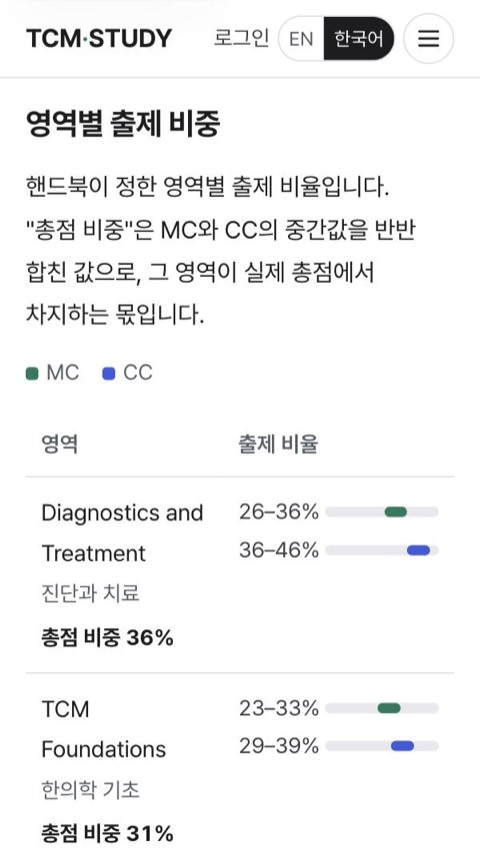
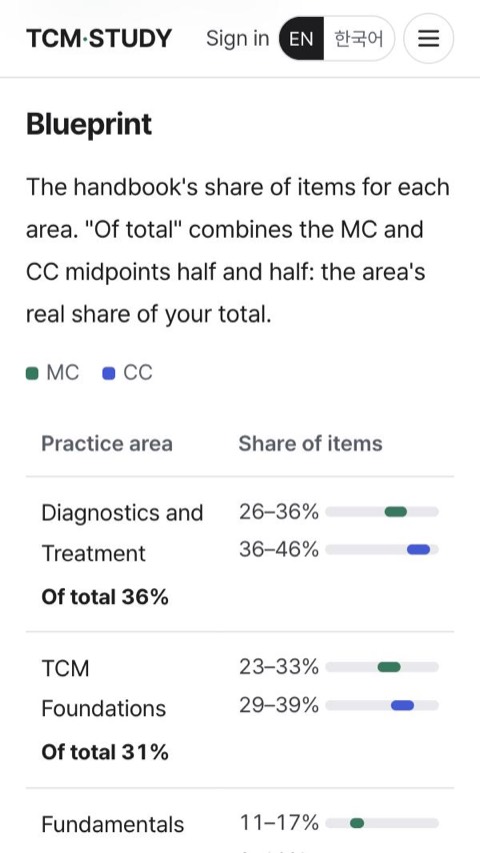
「영역별 출제 비중」에서 어느 영역이 점수에서 얼마나 차지하는지 봅니다.“Blueprint” shows how much each area counts.
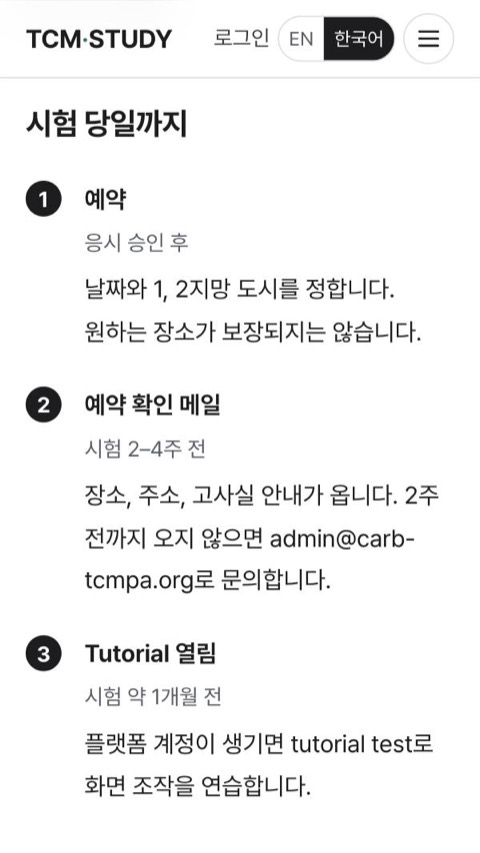
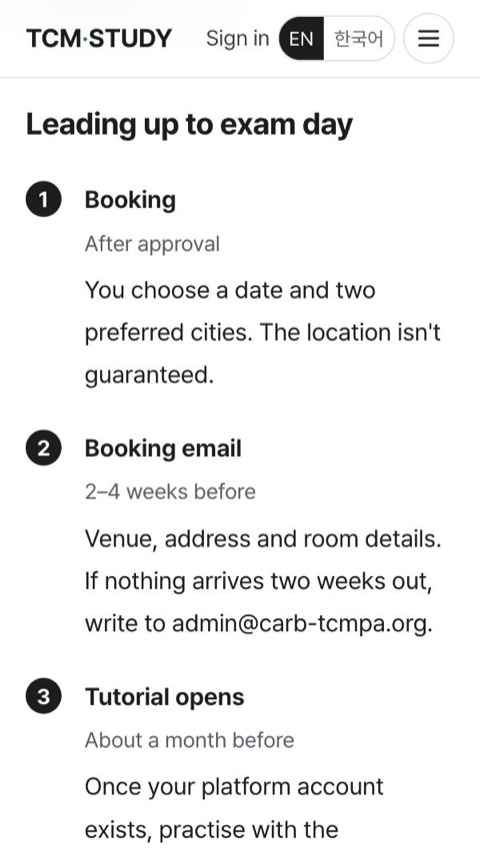
「시험 당일까지」에서 예약부터 시험 날까지 순서를 확인합니다.“Leading up to exam day” walks from booking to the day itself.
Spot the TrapSpot the Trap
로그인 없이No sign-in시험 문제에 반복해서 나오는 함정을 하나씩 짧게 정리합니다. 함정, 피하는 법, 연습 3문항.Short notes on the traps that show up again and again in exam questions: the trap, how to get past it, and three practice questions.
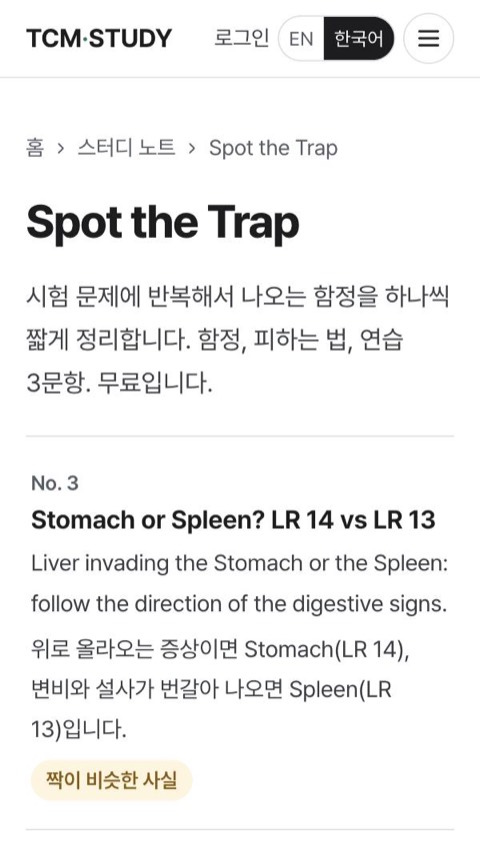
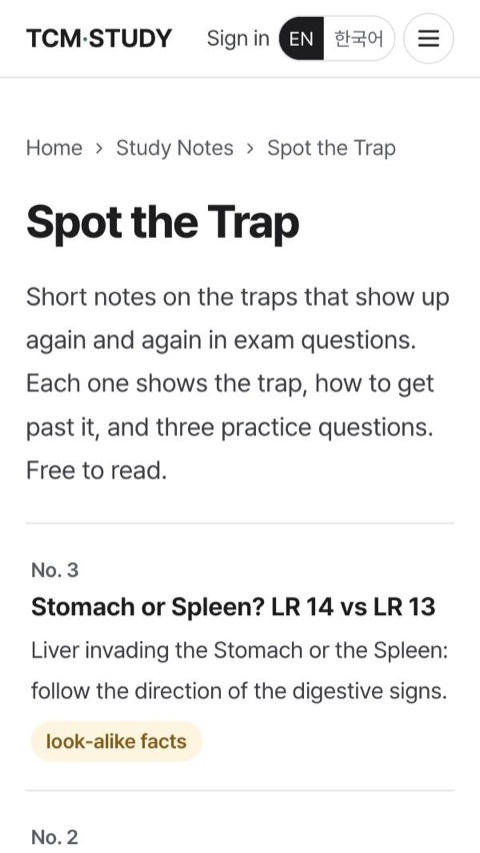
목록에서 함정 하나를 고릅니다.Pick a trap from the list.
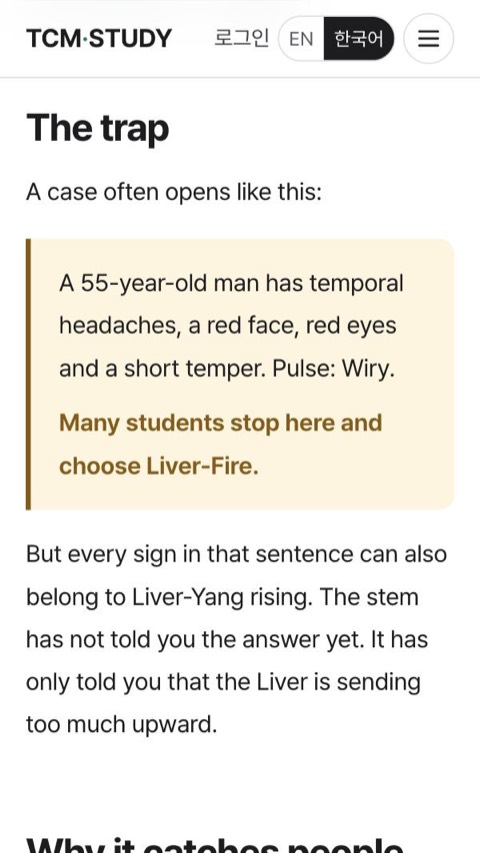
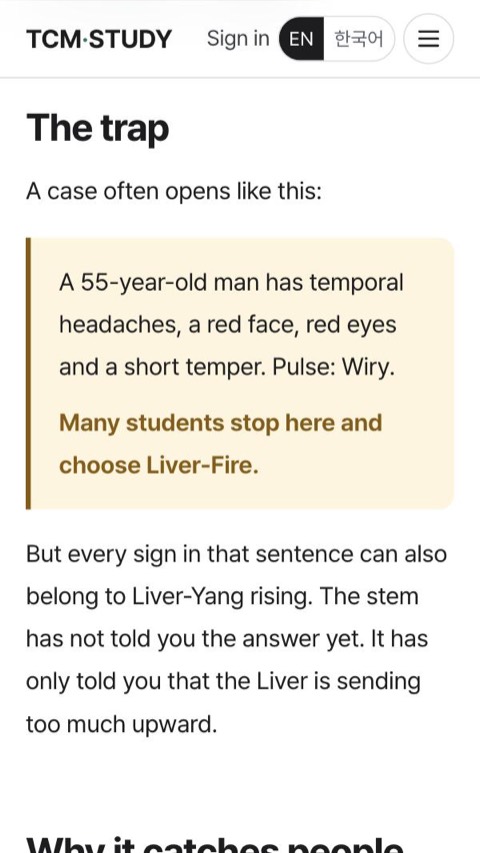
문제가 어떤 식으로 함정을 거는지 읽습니다.Read how the question sets the trap.
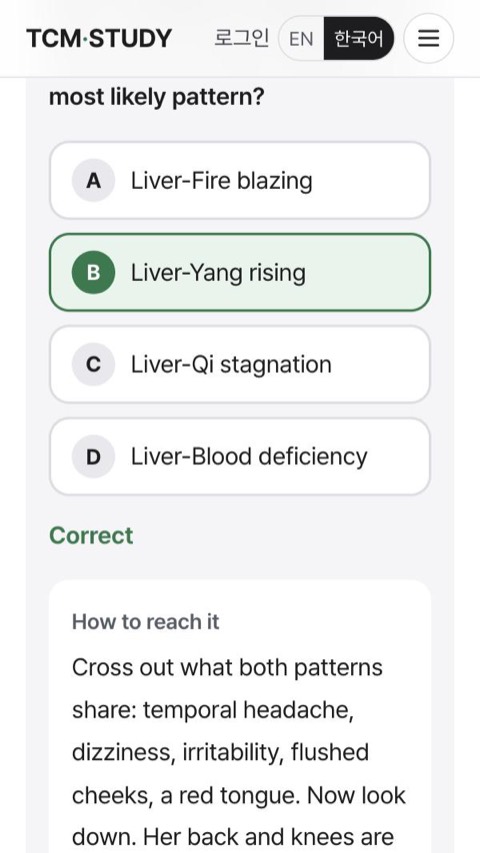
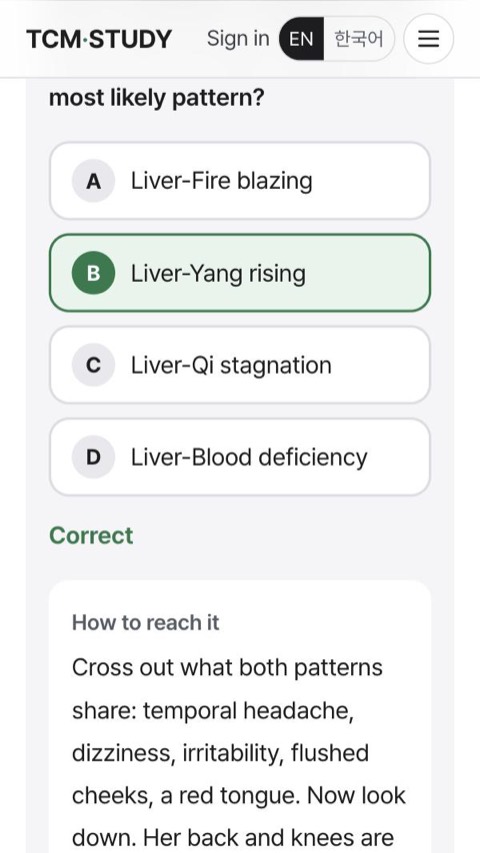
연습 3문항을 풀면 해설이 열립니다.Answer the three practice questions to open the explanations.
장부변증 Liver 노트Zang-fu Liver note
무료 계정Free account이메일로 무료 계정을 만들면 장부변증 Liver 노트 전체가 열립니다. 기초부터 시험 직전까지 4단계로 공부하고, 단계마다 확인 문제를 풉니다.A free account (email sign-in) unlocks the full Zang-fu Liver note: four stages from the basics to exam time, with check questions at each stage.
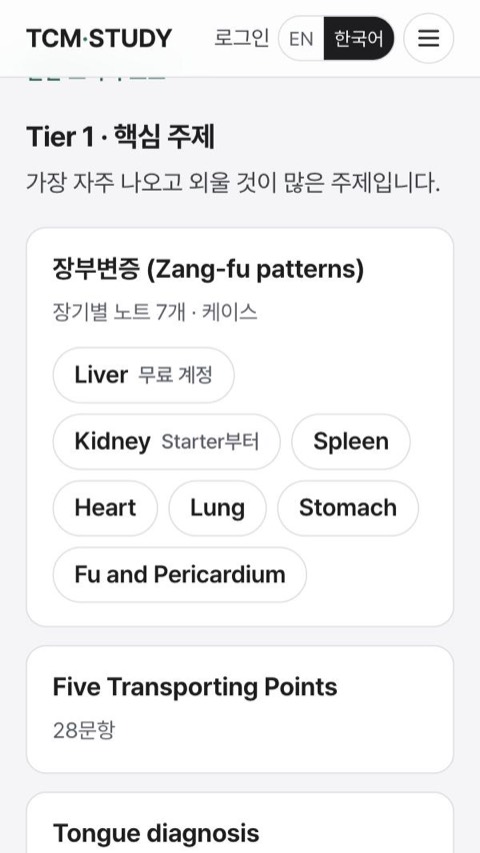
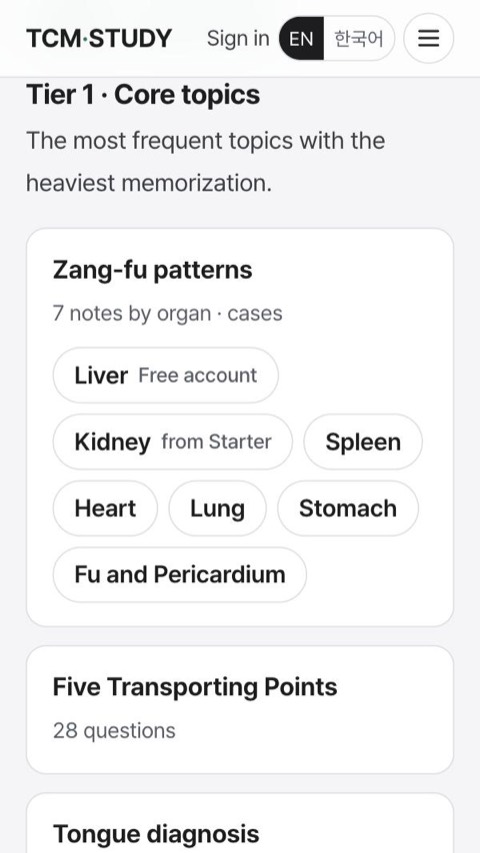
스터디 노트에서 「Liver · 무료 계정」을 누릅니다.In Study Notes, tap “Liver · Free account”.
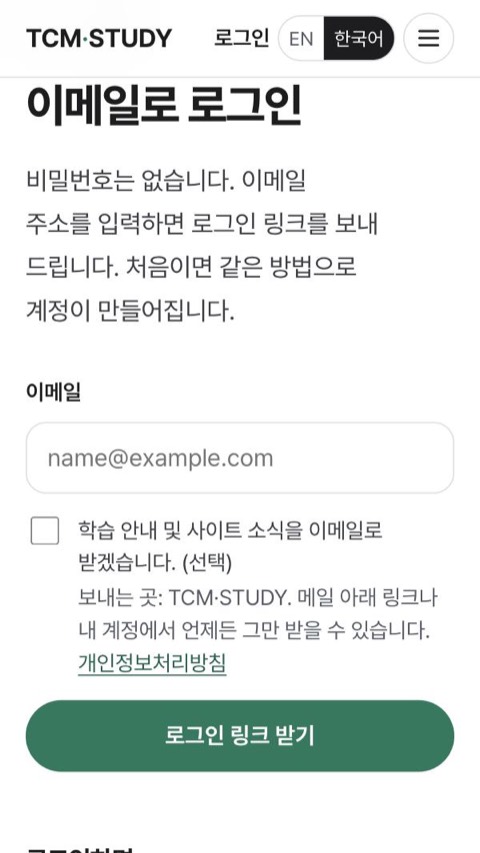
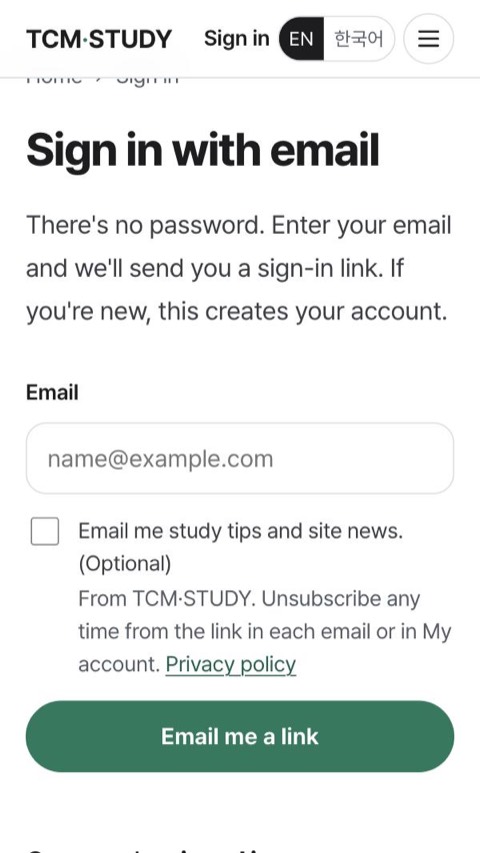
이메일을 넣고 「로그인 링크 받기」. 메일의 링크를 누르면 로그인됩니다. 비밀번호는 없습니다.Enter your email and tap “Email me a link”. Open the link in the email to sign in. There is no password.
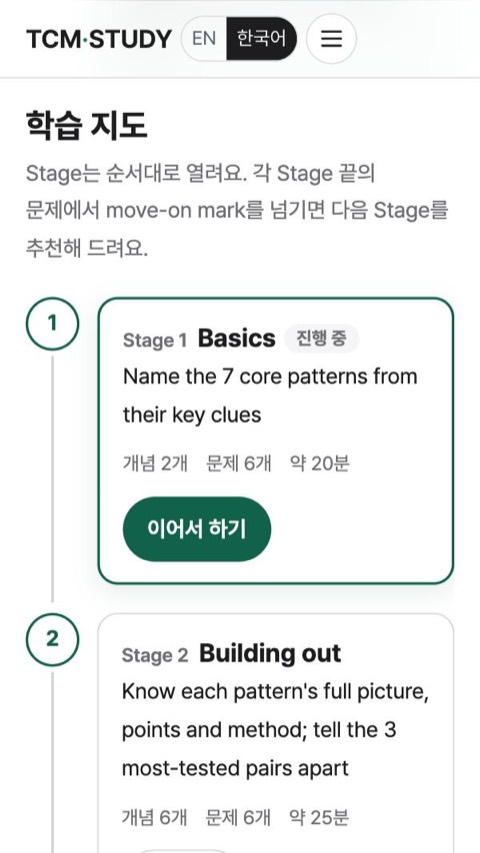
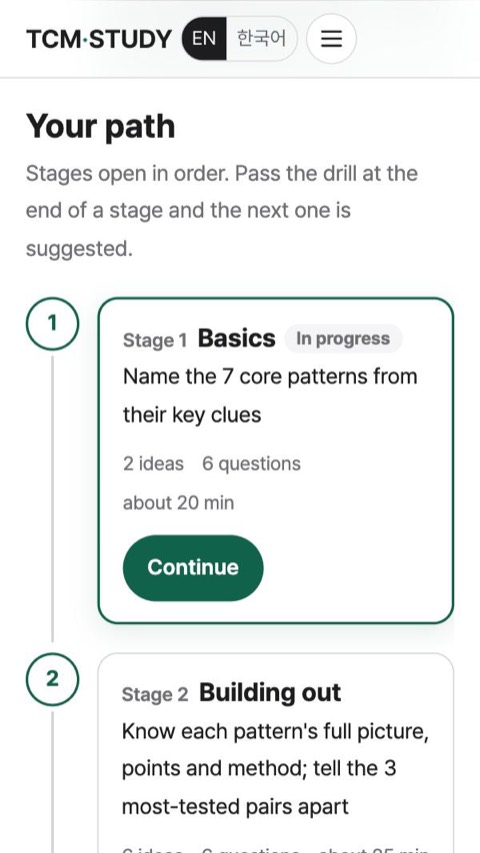
학습 지도에서 Stage 1부터 시작합니다.Start from Stage 1 on your path.
혈자리Acupoints
로그인 없이No sign-in혈자리 117개는 시험 대비 페이지로, 나머지 291개는 짧은 카드로 정리했습니다. Category 표 8개도 함께 볼 수 있습니다.117 points have exam-focused pages and the other 291 have short cards, plus 8 category tables.
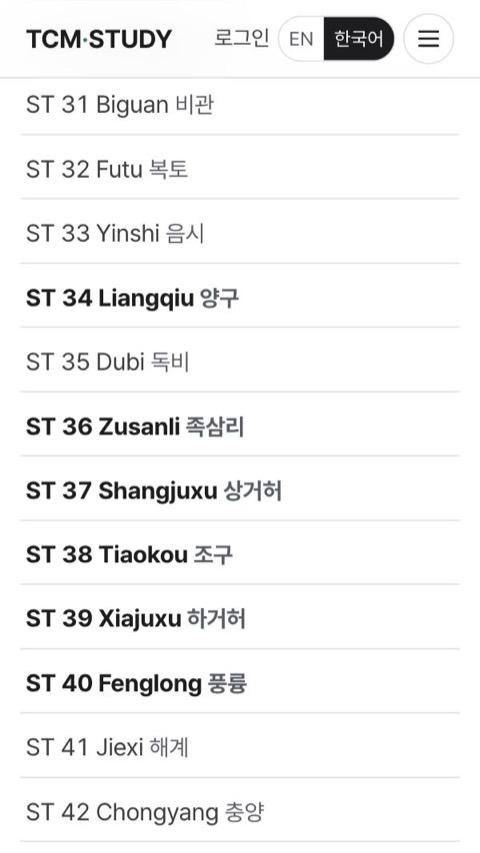
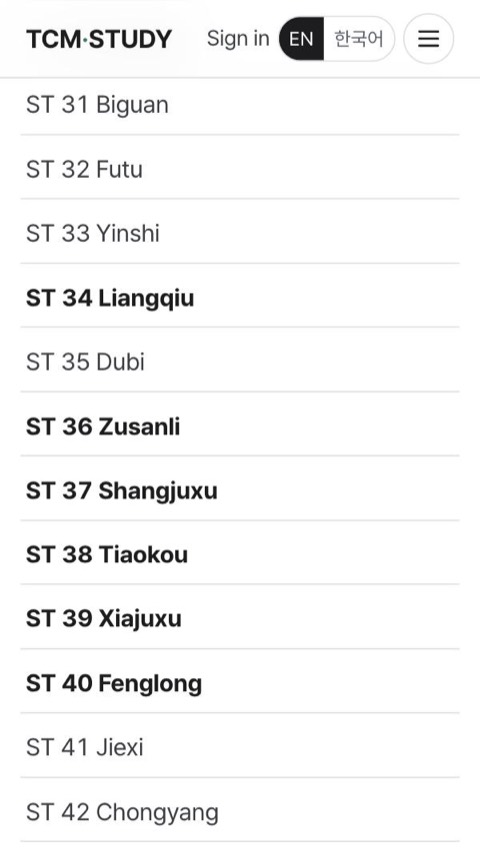
목록에서 혈을 고릅니다.Pick a point from the list.
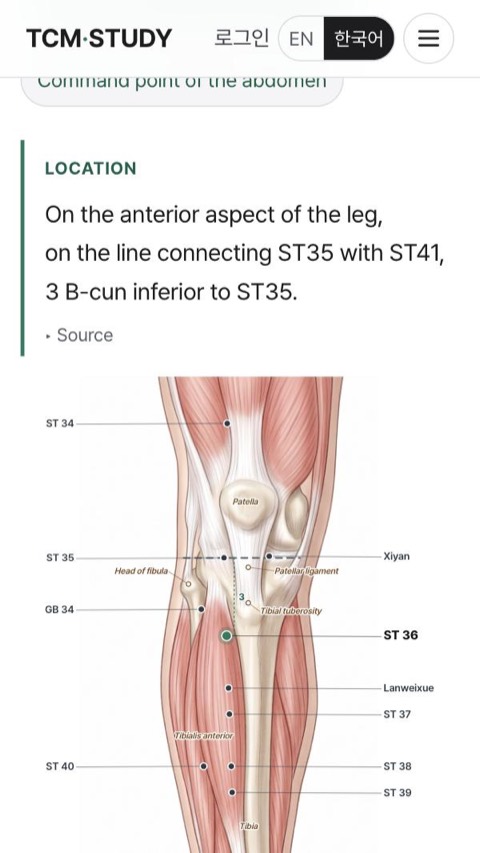
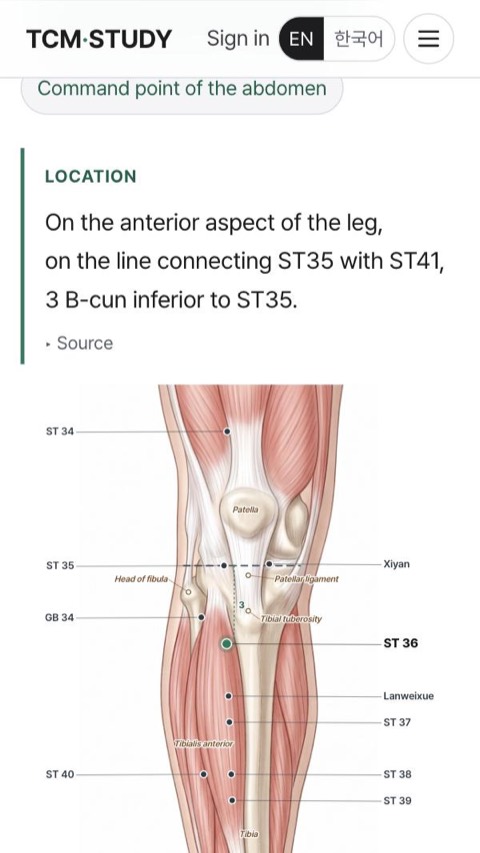
위치 설명과 그림을 봅니다.Read the location and see the figure.
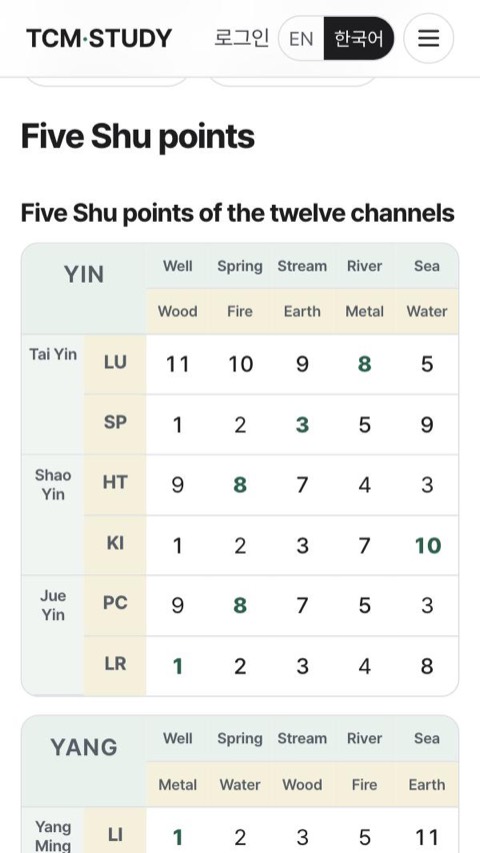
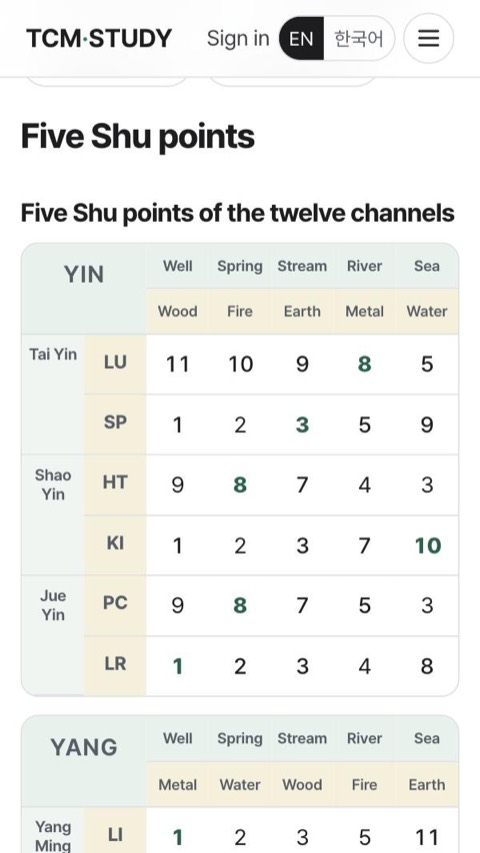
Category 표로 같은 범주의 혈을 한눈에 봅니다.Category tables put a whole group of points side by side.
다 해 보셨다면Tried them all?
해설은 모의고사와 같은 방식으로 썼으니, 읽어 보고 도움이 된다면 그때 모듈을 고르시면 됩니다.The explanations are written the same way as in the mock modules. If these help, pick a module then.
Full 10 보기See Full 10 이용 방법 보기How to use
사이트 소개는 소개, 모의고사와 노트 쓰는 법은 이용 방법에 있습니다.More about the site in About; how the mocks and notes work in How to use.